
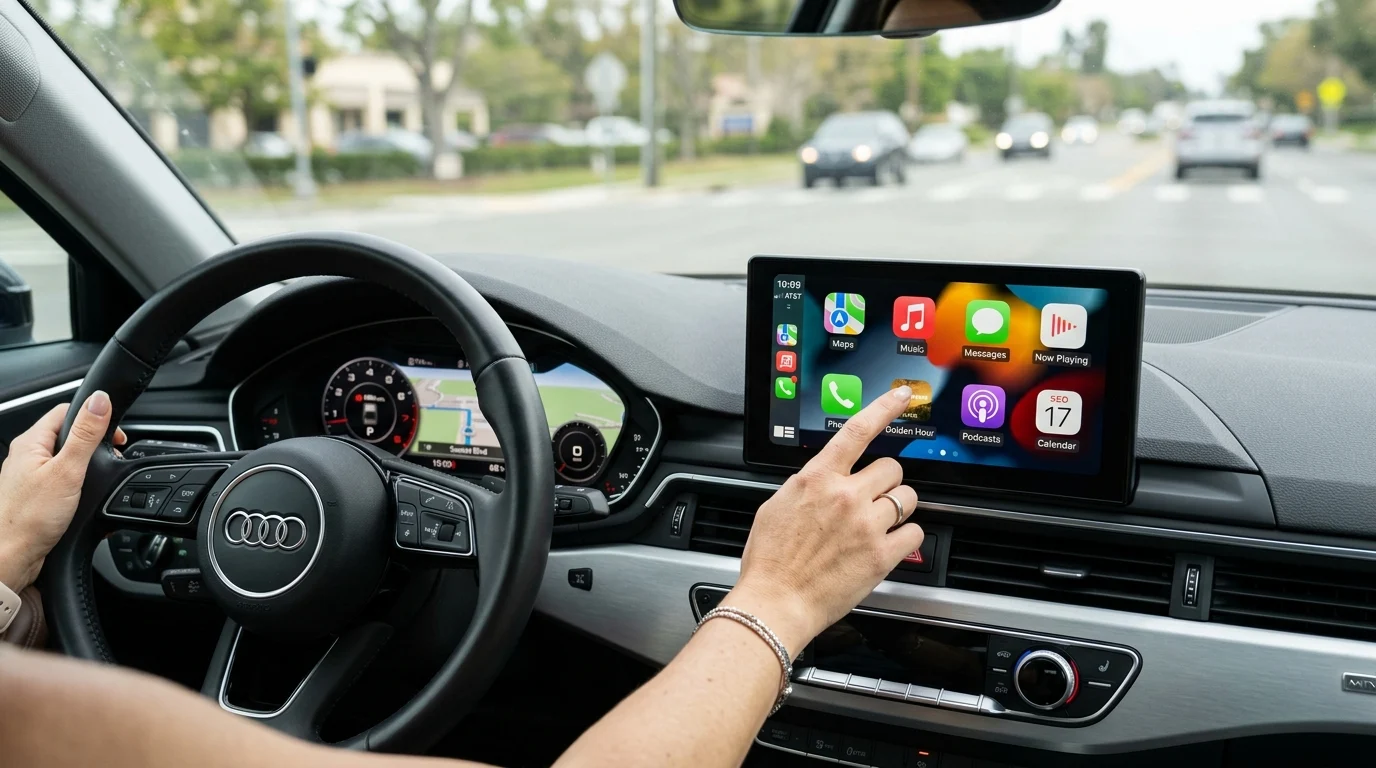
How a 7-Inch Portable CarPlay Display Upgrades Your Car
Upgrading an older vehicle provides a much-needed tech boost without the steep financial burden of purchasing a brand-new car. A 7-inch portable CarPlay display serves as a central hub, bringing modern smartphone integration, navigation (which relies on your paired phone’s GPS signal rather than standalone hardware), and safety features directly to the dashboard.
Rather than dealing with a tangle of charging cords and multiple separate gadgets, drivers can use a single, sleek integrated display to handle everything from live map routing to streaming music.
Key Problems It Solves
Commuters face a common set of dashboard dilemmas: tiny smartphone screens that are hard to read at highway speeds, unreliable suction-cup mounts that frequently drop devices on tight turns, and separate dash cams cluttering the windshield. A unified car display tackles these issues head-on by consolidating multiple standalone devices into one streamlined unit.
Instead of spending money on a flimsy phone mount, a standalone dash cam, and struggling with a 6-inch phone screen for GPS navigation, a single 7-inch touchscreen provides an elegant solution. For models that include a built-in dash cam, this smart consolidation drastically reduces windshield clutter and driver distraction, keeping essential driving tools right at eye level for safer operation.
Portable Display vs Built-In Infotainment
When looking to add Apple CarPlay or Android Auto to a vehicle manufactured before 2016, the traditional route usually involves ripping out the factory radio and installing a double-DIN built-in infotainment system. While built-in units look flush and factory-standard, they come with significant logistical and financial hurdles.
A standard built-in installation often costs between $300 and $800 just for a name-brand head unit—though budget Android head units do exist below this floor—not including the necessary custom dash kits, specialized wiring harnesses, and expensive professional labor. The entire process can take two to four hours and permanently alters the vehicle’s dashboard. In sharp contrast, a portable 7-inch IPS display costs a fraction of the price and takes roughly five minutes to set up right out of the box. However, it is important to note that portable displays generally cannot connect to factory steering-wheel controls or OEM backup cameras, which is a significant practical downside compared to built-in units.
| Feature | Portable CarPlay Display | Built-In Infotainment |
|---|---|---|
| Installation Time | ~5 minutes | 2 to 4 hours |
| Total Cost (Est.) | $100 – $200 | $300 – $800+ |
| Vehicle Modification | None (Plug & Play) | Permanent dash changes |
| Portability | High (move between cars) | None (fixed in dash) |
Essential Features to Compare
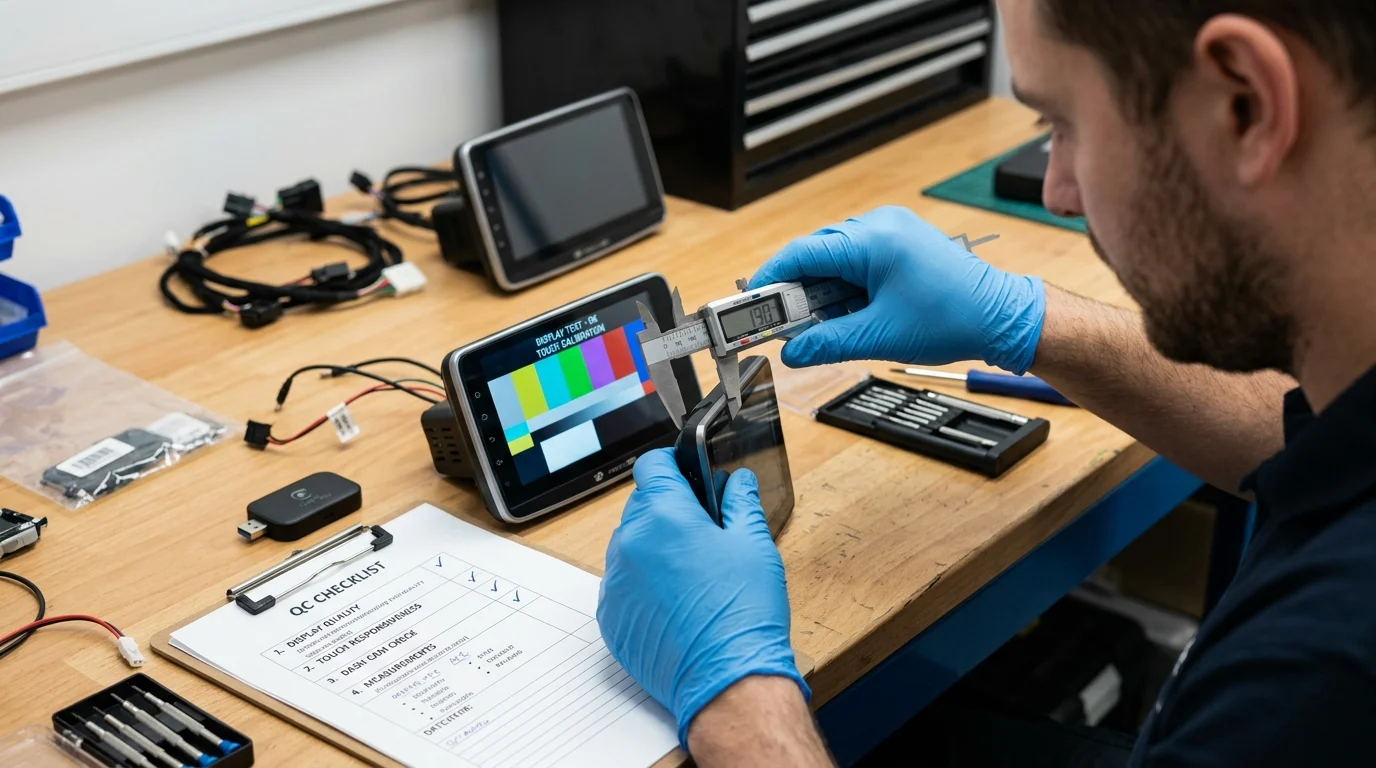
Not all portable screens are created equal. Finding a unit that seamlessly blends advanced display tech, brightness, clarity, and responsive controls requires looking closely at the hardware specifications.
Comparing these essential features ensures the selected device performs reliably in bright sunlight, records crisp video (if equipped), and connects to smartphones without system lags.
Wireless CarPlay, GPS, and Voice Control
Wireless CarPlay and Android Auto are the standout features for achieving seamless smartphone integration. By utilizing a dual Bluetooth and high-speed 5GHz Wi-Fi connection, these displays eliminate the need to plug in a cable for every trip. The initial Bluetooth pairing hands the data transfer over to the high-bandwidth Wi-Fi network, ensuring stable, high-quality audio streaming and highly responsive app navigation. However, it is worth noting that wireless CarPlay and Android Auto will drain the smartphone’s battery faster than a wired connection. Additionally, budget units can occasionally experience Bluetooth or Wi-Fi handoff lag and minor dropouts, so the wireless experience may not always be perfectly seamless.
When using CarPlay or Android Auto, navigation runs through Apple Maps, Google Maps, or Waze, utilizing the connected smartphone to provide the GPS signal and data for real-time routing and live traffic updates on the large, easy-to-read screen. (While some units feature standalone GPS via separate Android firmware, most rely entirely on the smartphone’s connection). Alongside visual navigation, Siri or Google Assistant voice control enables completely hands-free operation for making phone calls, dictating text messages, and changing music tracks, which significantly reduces distracted driving. Shoppers should be aware, however, that the integrated microphone quality on budget portable displays is a common weak point, which can directly impact the clarity of hands-free calls and voice commands.
IPS Screen, Dash Cam, and Anti-Glare Design
Screen quality dictates exactly how usable a display is during a bright, sunny afternoon commute. A 7-inch IPS (In-Plane Switching) LCD screen provides a massive visual upgrade over cheaper TN panels, offering wide 178-degree viewing angles so both the driver and passenger can clearly see the map. Many units in this category offer high brightness levels combined with a specialized anti-glare coating, keeping the capacitive touchscreen completely readable even in direct harsh sunlight.
Beyond the impressive display, some models feature an integrated front dash cam, adding a critical layer of daily driving safety. Buyers must verify this feature per model, as it is not universal across all portable screens. For units equipped with cameras, many offer crisp HD resolutions like 1080p or 2.5K. However, low-light sensor performance and dynamic range matter far more than resolution specs alone for reliably capturing license plates at night. With intelligent loop recording, the camera automatically overwrites the oldest files when the inserted SD card gets full. Meanwhile, a built-in G-sensor immediately locks emergency footage upon detecting a sudden physical impact, ensuring crucial accident evidence is never accidentally overwritten.
Setup, Compatibility, and Daily Use
The primary appeal of a portable CarPlay and Android Auto display lies in its accessibility. Drivers do not need experience in automotive electronics, wire splicing, or panel removal to get these advanced systems up and running.
From unboxing the unit to actually hitting the road with live navigation, the entire process is designed for quick integration, making it a highly accessible technology upgrade for virtually any vehicle currently on the road.
Key Takeaways
- A 7-inch portable CarPlay display can modernize an older vehicle without replacing the factory radio or permanently altering the dashboard.
- Portable CarPlay screens typically install in about five minutes, compared with two to four hours for many built-in infotainment upgrades.
- A portable unit can reduce dashboard clutter by combining navigation, music, calling, and dash cam functionality into one display.
- Expect portable displays to cost roughly $100 to $200, while name-brand built-in head units often start around $300 to $800 before labor and accessories.
- Choose a built-in infotainment system instead if factory steering-wheel control or OEM backup camera integration is a top priority.
Frequently Asked Questions
Does this portable display add CarPlay to an older car?
Yes. A 7-inch portable CarPlay display can add wireless Apple CarPlay to many older vehicles without replacing the factory radio or modifying the dashboard.
Does the unit have built-in GPS navigation?
It displays navigation through your paired smartphone, using apps like Apple Maps, Google Maps, or Waze. The GPS signal typically comes from the connected phone rather than standalone GPS hardware.
How long does installation usually take?
Setup is typically plug-and-play and can take about five minutes. Most users mount the screen, connect power, pair the phone, and start using CarPlay or other supported features.
Is a portable CarPlay screen cheaper than a built-in infotainment upgrade?
Usually, yes. Portable displays commonly cost around $100 to $200, while built-in infotainment systems can cost $300 to $800 or more before installation parts and labor.
Can it connect to factory steering-wheel controls or OEM backup cameras?
Most portable displays do not integrate with factory steering-wheel controls or original backup cameras. Built-in head units are usually better for deeper factory integration.
Post time: Jul-30-2026